
Features
What you can do with Unaligned
Every feature below is in the app today, shown in a real screenshot. The essentials in every area, with no time limit.
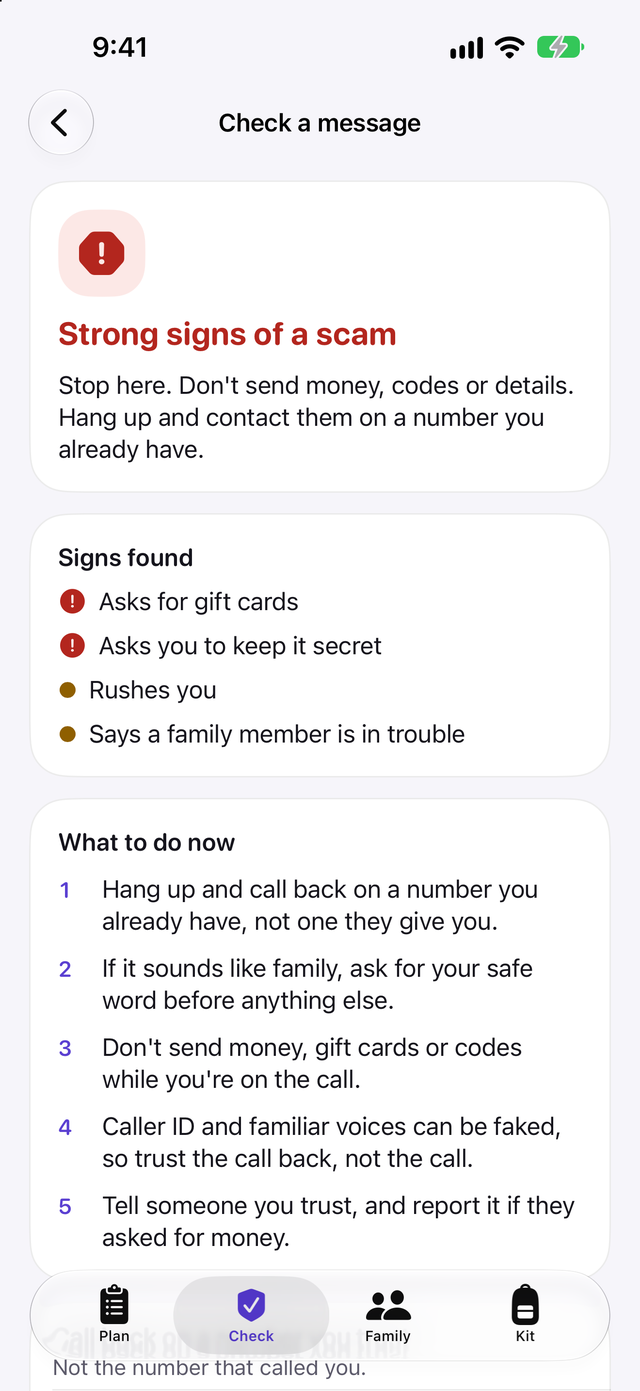
Know your next step
Your plan starts with the step that protects you fastest and shows how long it takes. Six areas cover scams and identity, family, money, work, information and home and offline.
- Every step says why it matters and how to do it
- Steps link to official sources such as the FTC, the FBI's IC3, the NCSC and Scamwatch
- Tap Not for me and a step won't come back
For iPhone and iPad. Works with iOS 26 and iPadOS 26 or later.
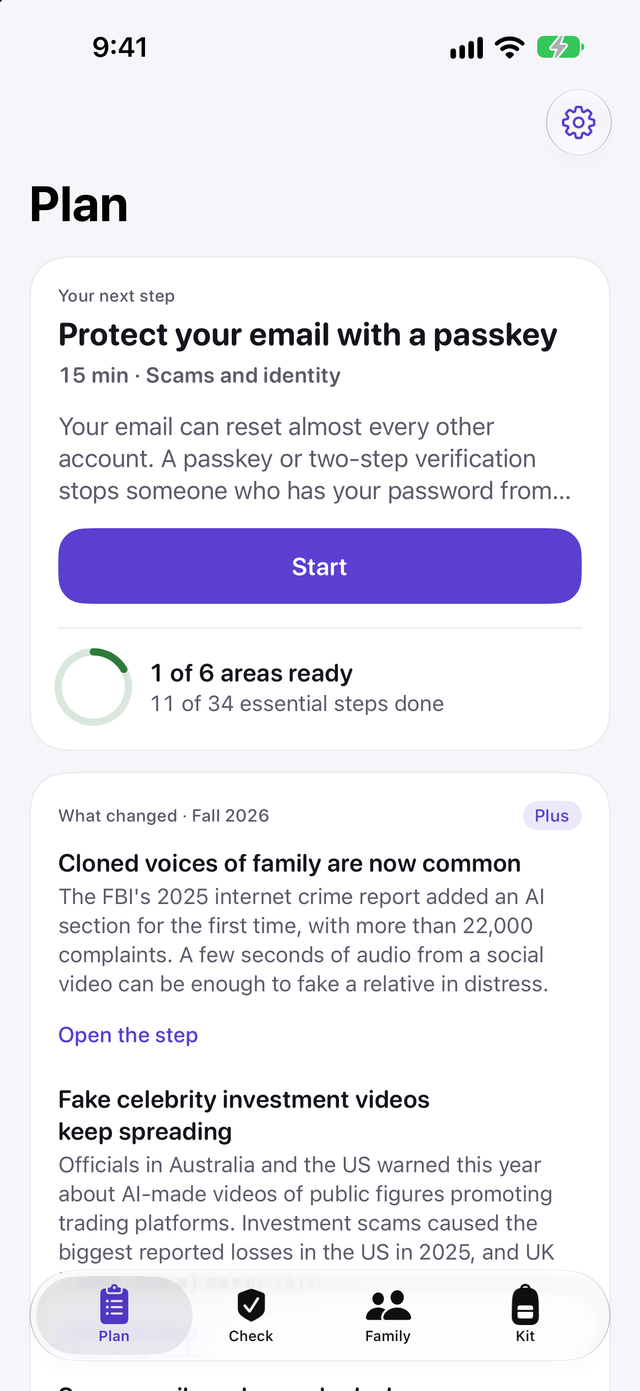
Set a family safe word
Choose a word together, out loud, so a cloned voice can't pass as someone you love. Agree to hang up and call back, never send money on one call and keep the real numbers in one place.
- Unaligned never asks for the safe word or stores it
- Make a call-back card to print or send to a parent, with the rules and the numbers
For iPhone and iPad. Works with iOS 26 and iPadOS 26 or later.
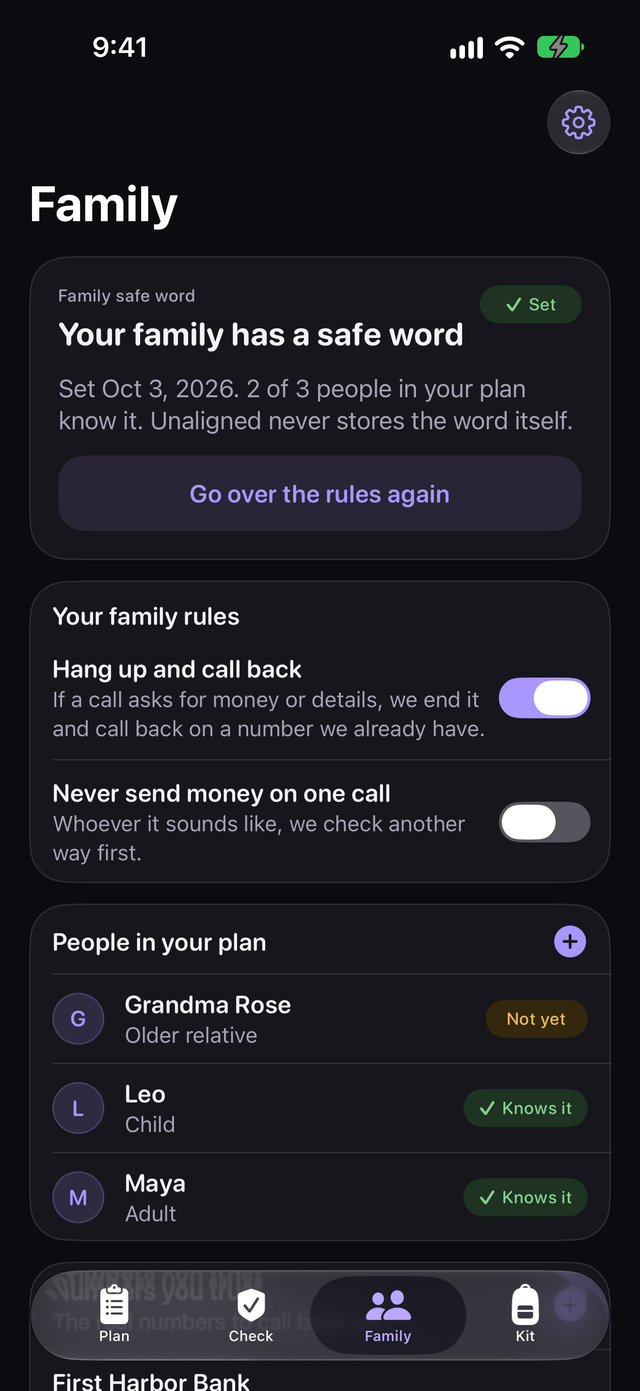
Check a strange call in about a minute
Pick what happened and answer a few yes or no questions. You see how many of the usual scam signs it shows and what to do first.
- Unaligned never tells you something is safe
- Your trusted numbers are one tap away
For iPhone and iPad. Works with iOS 26 and iPadOS 26 or later.
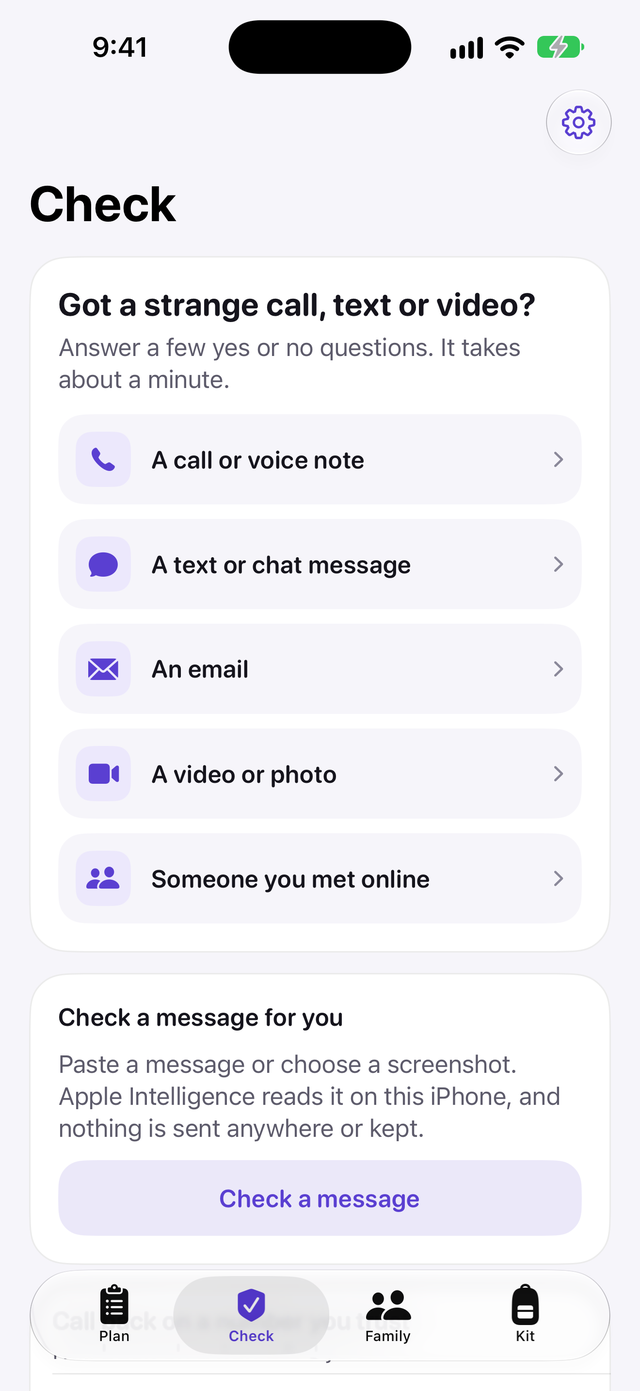
Check a message or screenshot
With Plus, paste a message or choose a screenshot. Apple Intelligence reads it on your device where it's available, and a phrase check works on every device.
- Share from Messages, Mail or Photos to Check with Unaligned
- What you check is not kept or sent anywhere
For iPhone and iPad. Works with iOS 26 and iPadOS 26 or later.
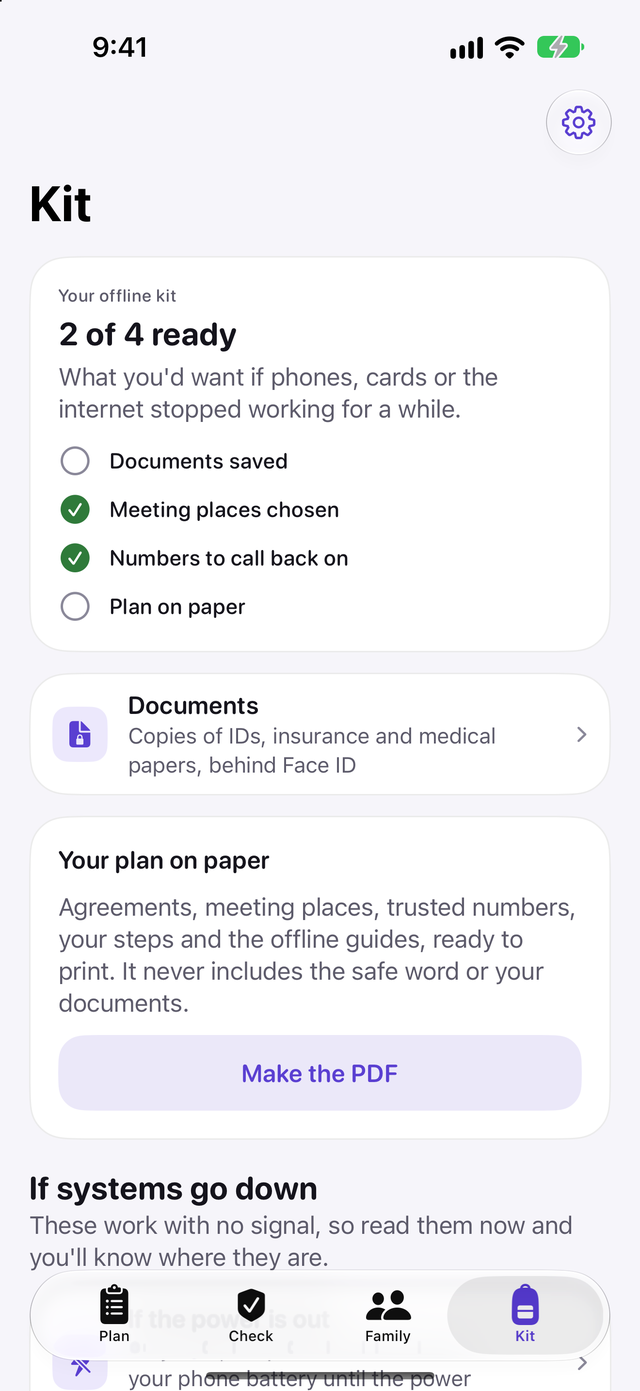
Be ready when phones and power go down
Six offline guides cover power, the internet, phone networks, card payments, safe water and staying informed. They live on your device, so they work with no signal.
- Plus keeps copies of key documents behind Face ID and out of backups
- Plus prints your plan on paper, without the safe word or documents
For iPhone and iPad. Works with iOS 26 and iPadOS 26 or later.
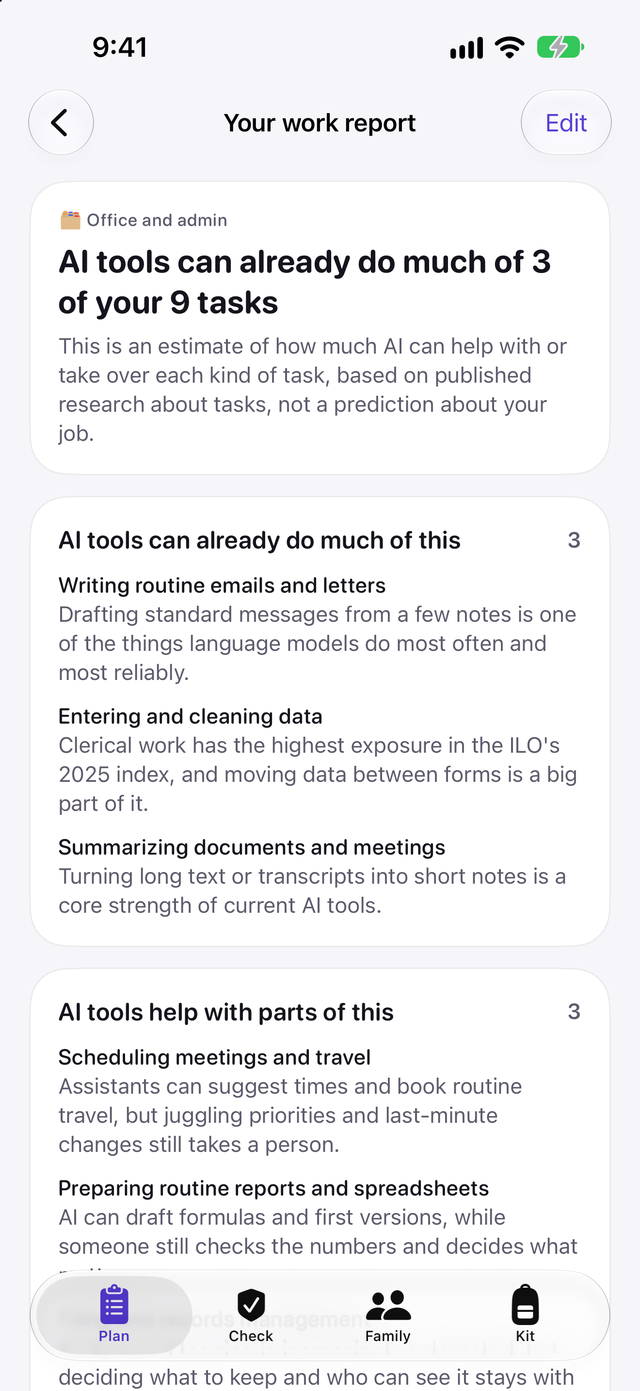
See which of your tasks AI can already do
With Plus, the work report estimates which of your tasks AI tools can already do or help with, based on published research, and gives you a 90-day plan.
- An estimate of exposure, not a prediction about your job
For iPhone and iPad. Works with iOS 26 and iPadOS 26 or later.
Unaligned is coming soon to iPhone and iPad.
The essentials in every area are free with no time limit. Unaligned Plus adds deeper steps, a shared household plan and more when you want them.
Coming to the App Store
The essentials in every area, with no time limit.
For iPhone and iPad. Works with iOS 26 and iPadOS 26 or later.